Set up a sub-committee
Give members who help you their own tools — and grow next year’s officers.
Open Officers ▸ Sub-committees
Below the officer board, each post has its committee. Tap “Add helper” on the committee you want to grow.
Pick a member and their tools
Choose an active member. The tools suggested for that committee are already ticked — untick or add any. Save with “Add helper”.
What your helper sees
Their club page says which committee they’re on and what they can do, and the tools you gave them appear in their menu.
Good to know
- Only officers can add or change helpers.
- Committees belong to a term: a new term starts with none.
More guides

Ask other clubs to fill a role
Short of a Timer or an Evaluator? Ask Toastmasters from other clubs, then pick who takes the role.
4 steps · 2 min
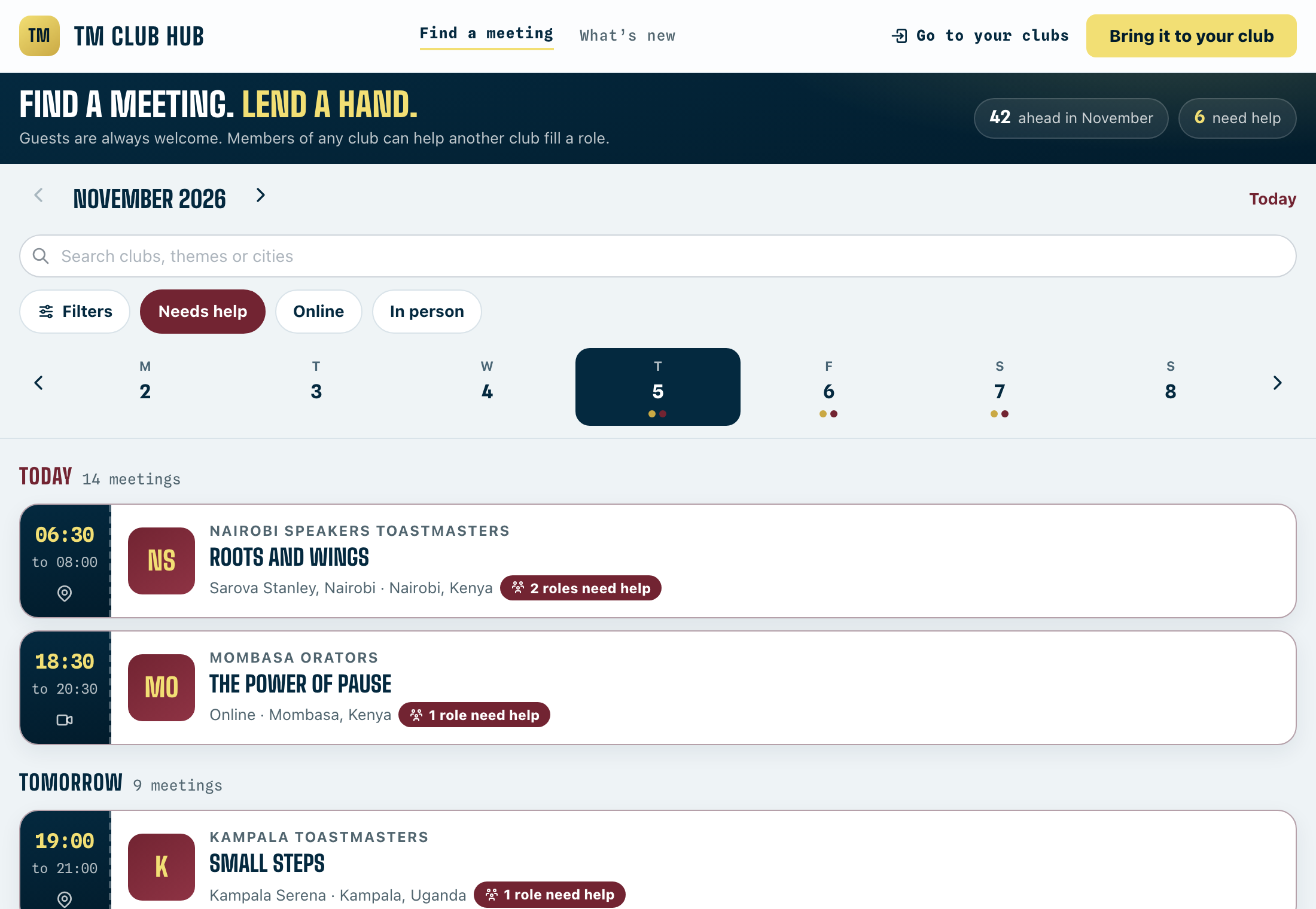
Offer to help another club
Get extra stage time and meet new Toastmasters by taking a role at a club that needs a hand.
4 steps · 1 min

Publish a meeting
Drafts stay off the calendar and the club QR. Publishing puts the meeting out and tells members roles are open.
3 steps · 1 min
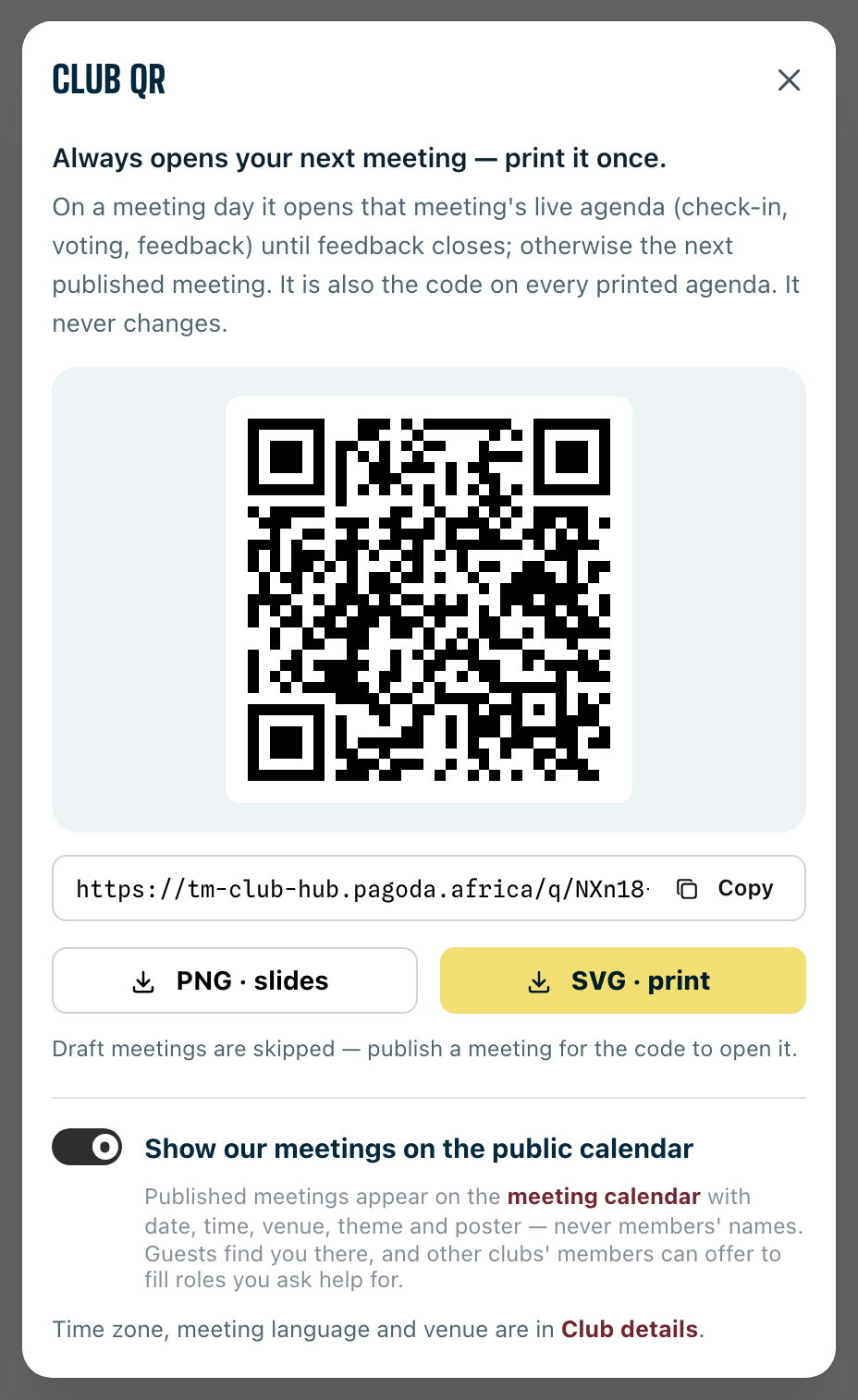
Print your club QR code
One code for every meeting: print it once, put it on your opening slide.
2 steps · 1 min