Ask other clubs to fill a role
Short of a Timer or an Evaluator? Ask Toastmasters from other clubs, then pick who takes the role.
Open the meeting and tap “Help from other clubs”
On the meeting page, the officer bar shows how many roles are still open. “Help from other clubs” opens the help panel. The meeting must be published so other clubs can see it.
Choose a role and ask
Every open role is listed. Tap “Ask other clubs”, add a short note if you like (for example “Pathways Level 2+ preferred”), and tap Ask. The role now shows on the public meeting calendar with a red “needs help” pill.
Review the offers
When someone offers, you get a notification and an email. Open the panel again: each offer shows the person’s name, their home club and their message.
Accept one
Tap Accept. They get the role straight away and are added to the meeting as a visiting Toastmaster; everyone else who offered is thanked by email. Changed your mind about asking? Tap “Stop asking”.
Good to know
- A red badge on “Help from other clubs” means offers are waiting for you.
- Helpers with the “Assign roles” permission can do this too.
More guides
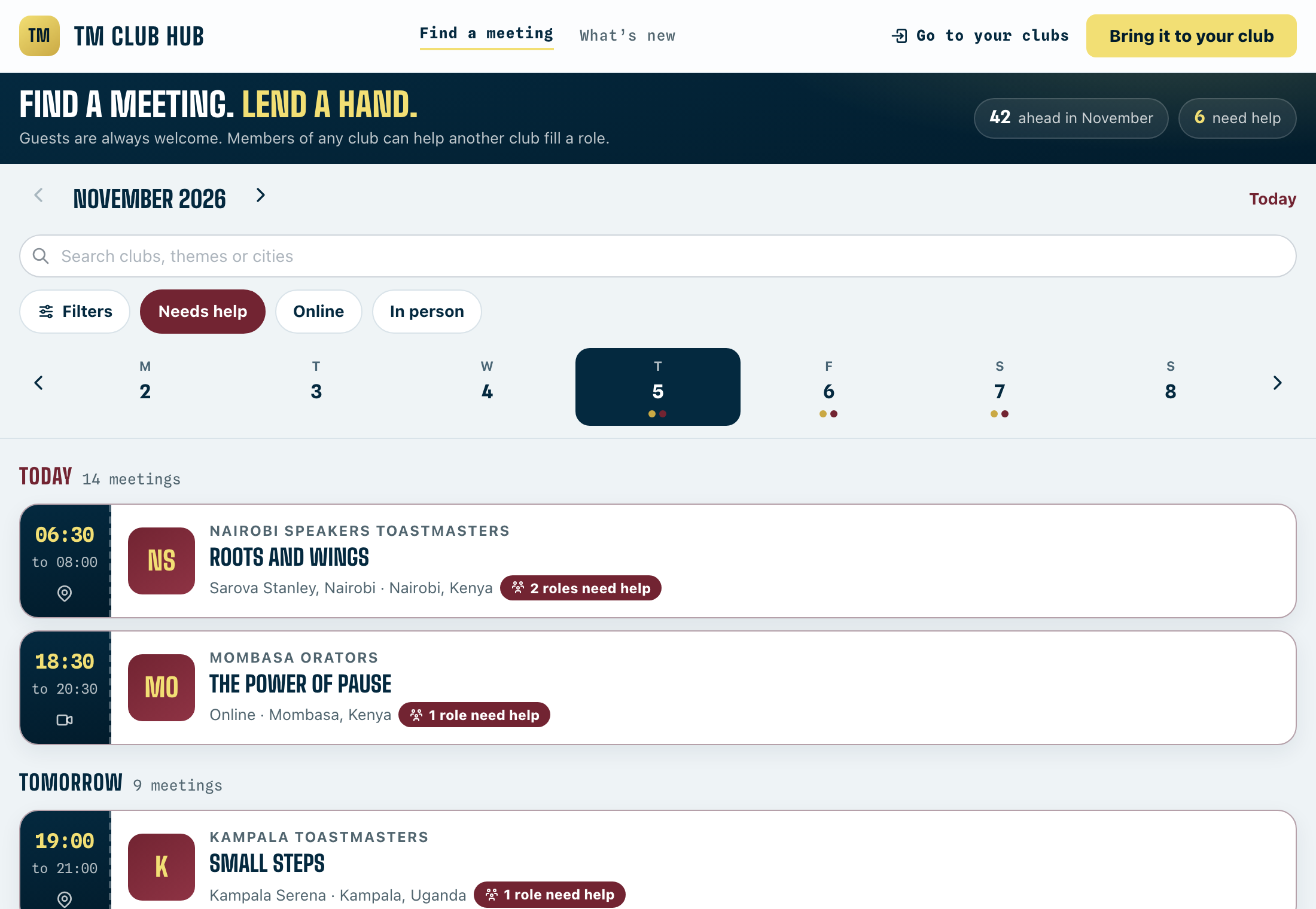
Offer to help another club
Get extra stage time and meet new Toastmasters by taking a role at a club that needs a hand.
4 steps · 1 min

Publish a meeting
Drafts stay off the calendar and the club QR. Publishing puts the meeting out and tells members roles are open.
3 steps · 1 min
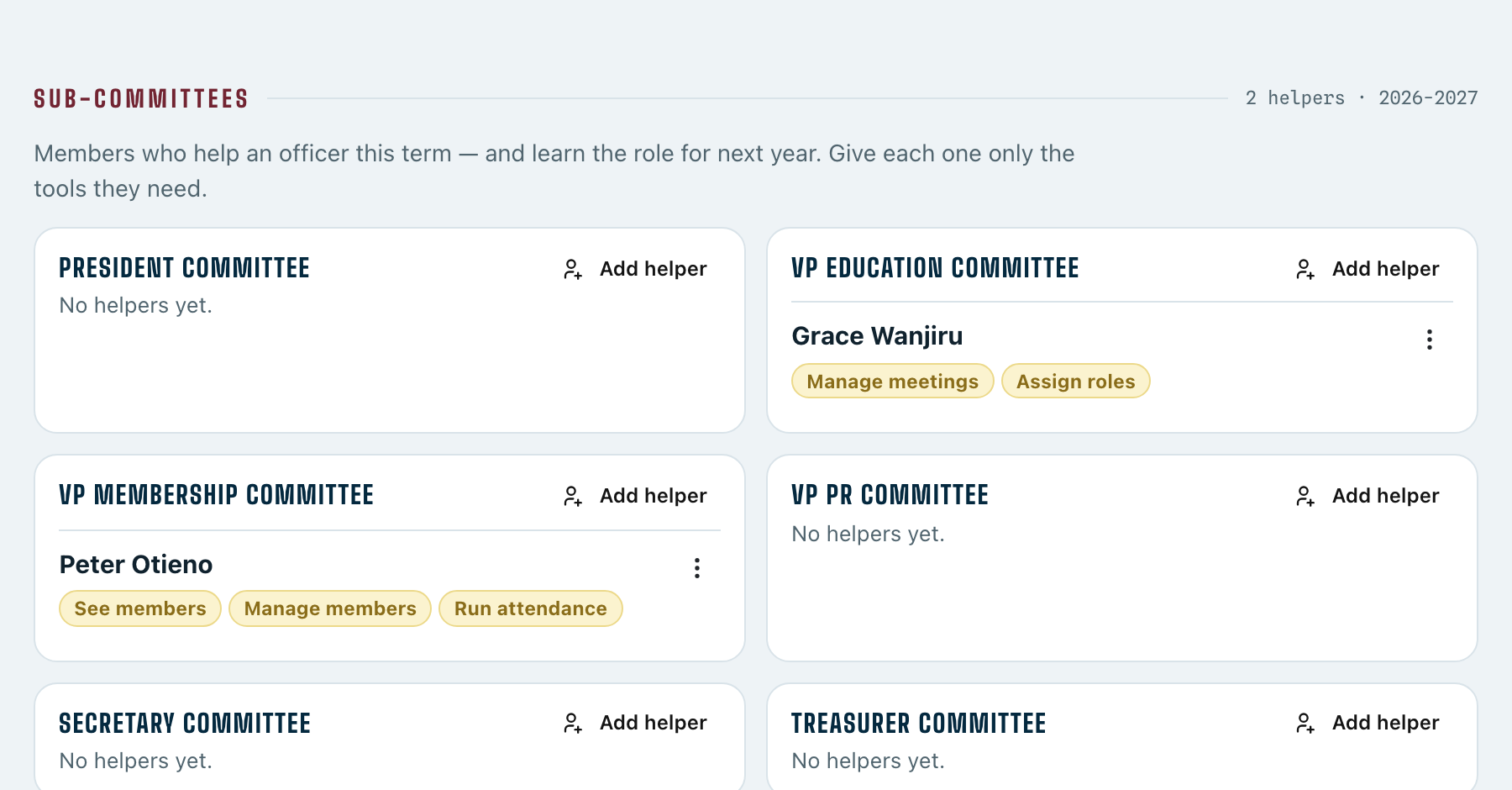
Set up a sub-committee
Give members who help you their own tools — and grow next year’s officers.
3 steps · 2 min
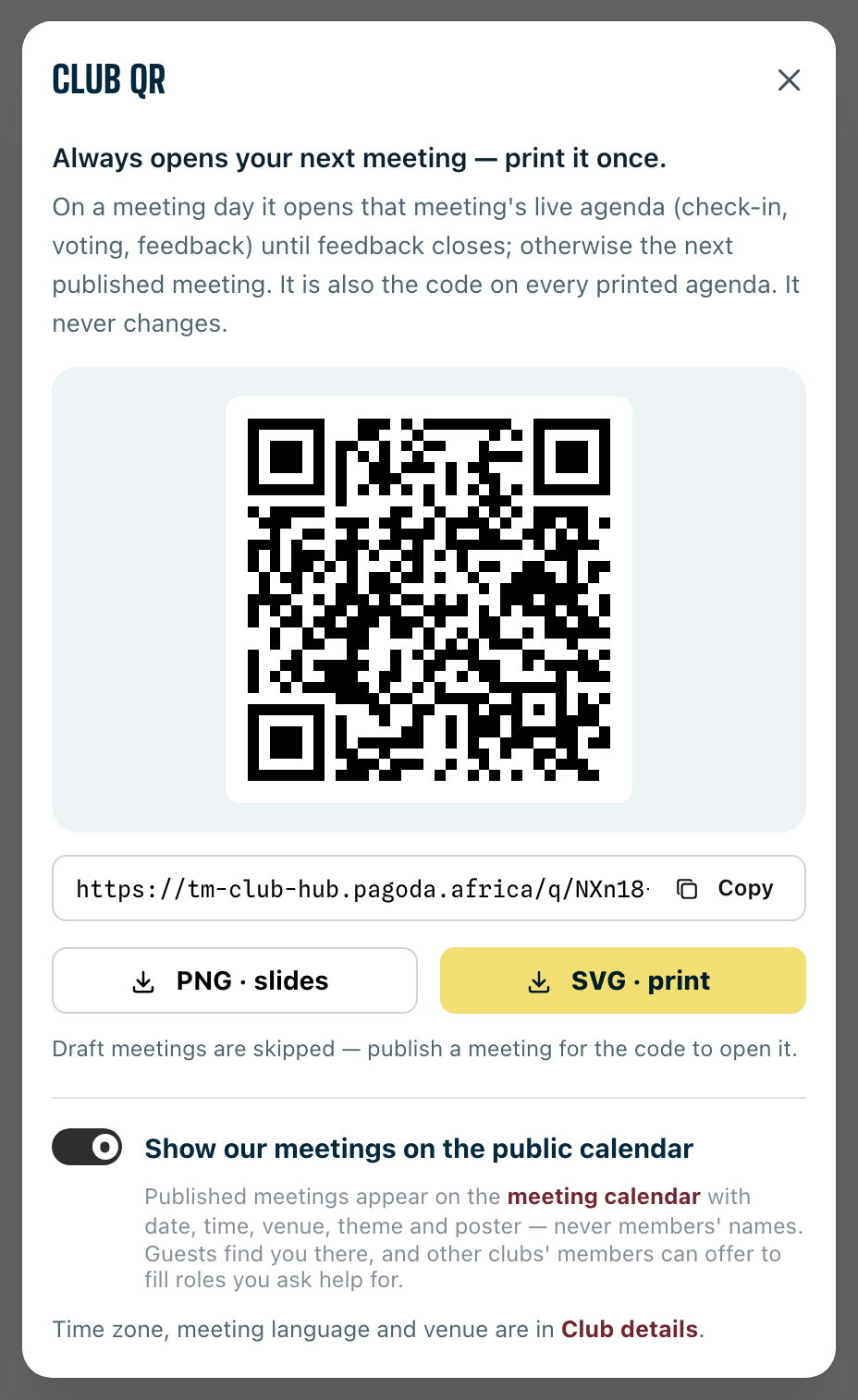
Print your club QR code
One code for every meeting: print it once, put it on your opening slide.
2 steps · 1 min