Print your club QR code
One code for every meeting: print it once, put it on your opening slide.
Open Club QR
On your club’s meetings page, tap “Club QR”. The code always opens your current meeting: today’s until feedback closes, otherwise the next published one.
Download it
“PNG · slides” for your slideshow, “SVG · print” for banners and table tents. The same code is on every printed agenda.
Good to know
- Draft meetings are skipped — publish a meeting for the code to open it.
More guides

Ask other clubs to fill a role
Short of a Timer or an Evaluator? Ask Toastmasters from other clubs, then pick who takes the role.
4 steps · 2 min
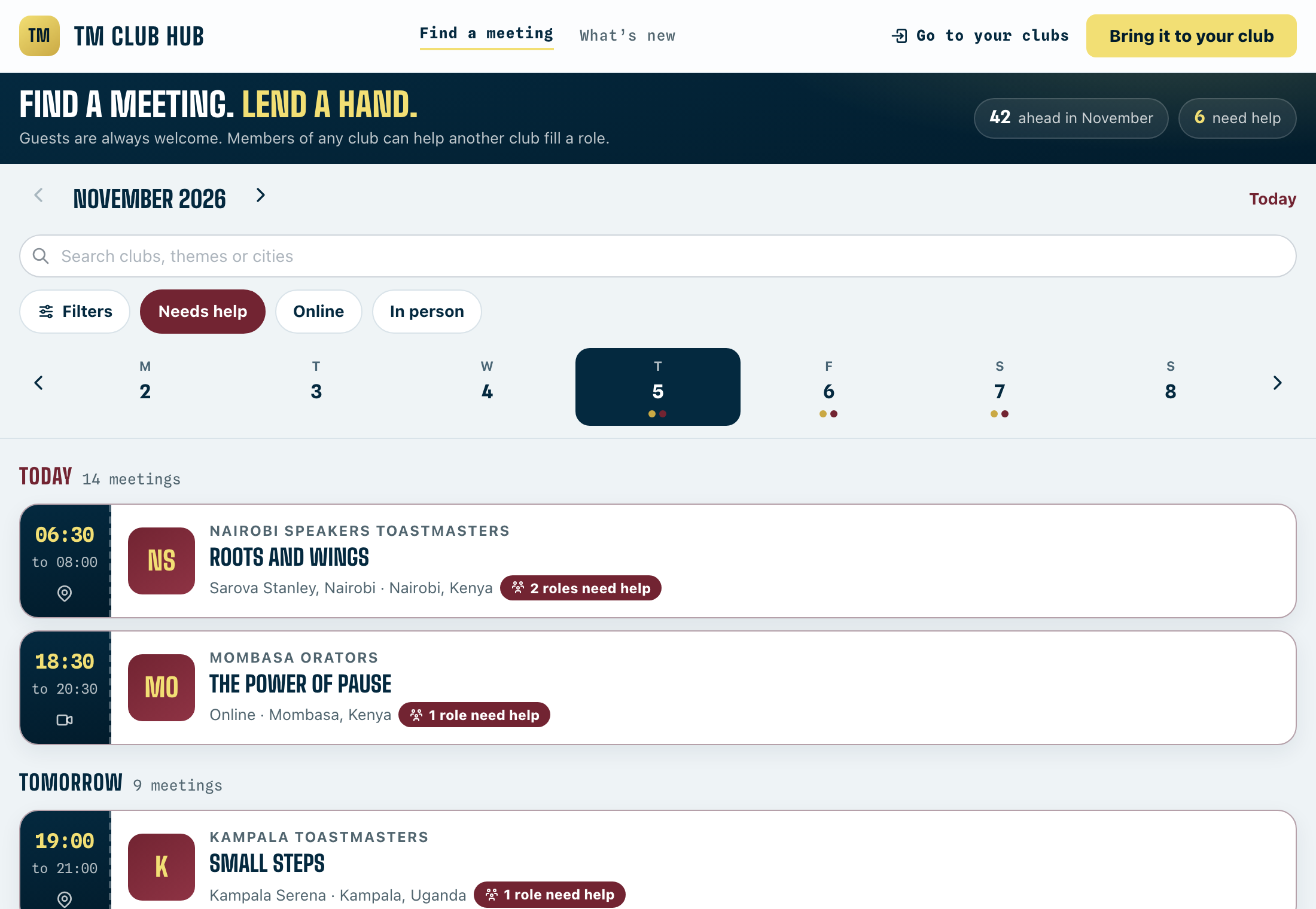
Offer to help another club
Get extra stage time and meet new Toastmasters by taking a role at a club that needs a hand.
4 steps · 1 min

Publish a meeting
Drafts stay off the calendar and the club QR. Publishing puts the meeting out and tells members roles are open.
3 steps · 1 min
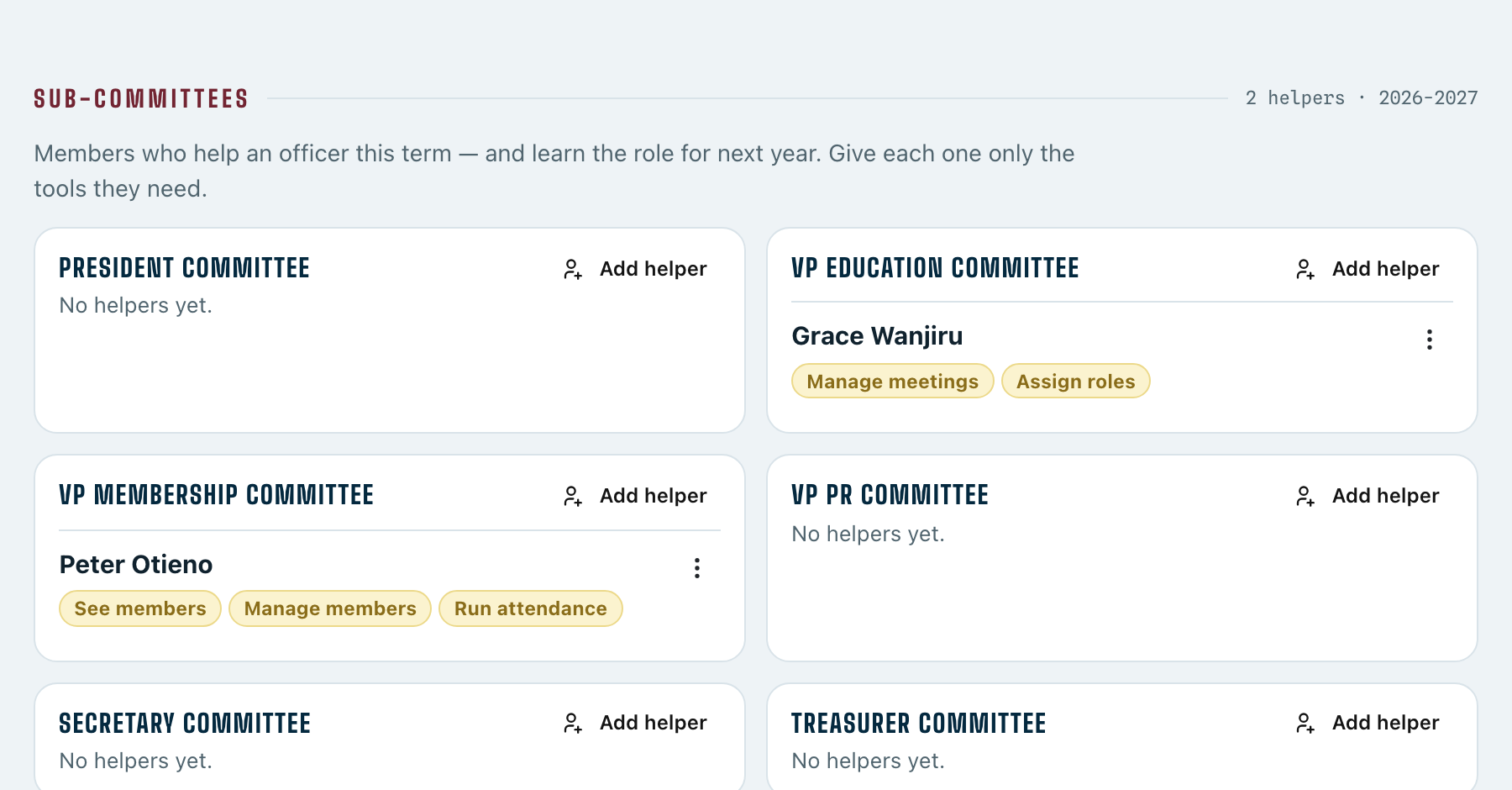
Set up a sub-committee
Give members who help you their own tools — and grow next year’s officers.
3 steps · 2 min